Widget catalog
Every widget of the catalog is available; each has a page saying what it shows and
which convention it follows, with its example. Each is a TypeScript front-end module
extending anywidget-instruments, with its common traits (value, label, unit, min,
max, theme, size, disabled, visible, tooltip). The examples use the Python
host binding; from Julia, Rust or a web page, the same widgets take the same traits.
Every picture opens a notebook
On the page of a widget, click its picture to drive it in a marimo notebook, in your browser, with no installation.
All widgets are indicators: the value is set by the kernel and only displayed. A vehicle display is read, not operated, while driving.
Dials
-
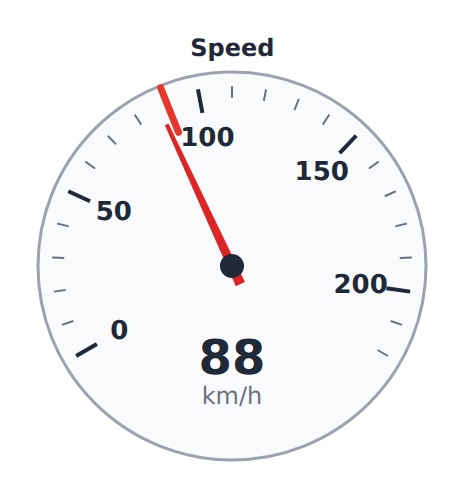
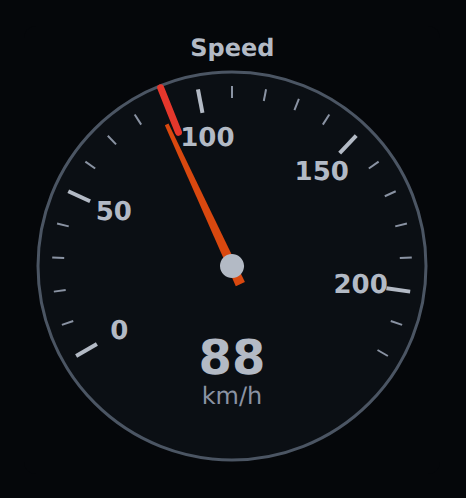
Vehicle speed, rounded up after conversion, never down; a speed limit marked on the scale.
-
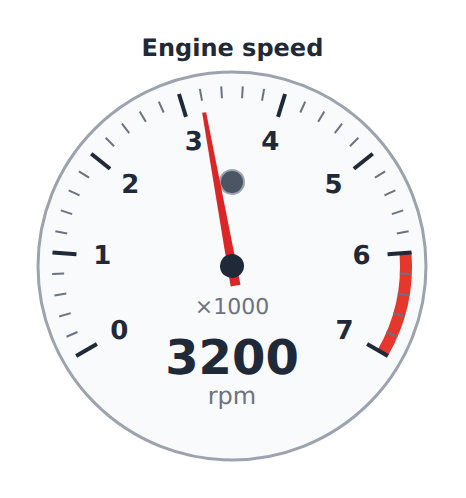
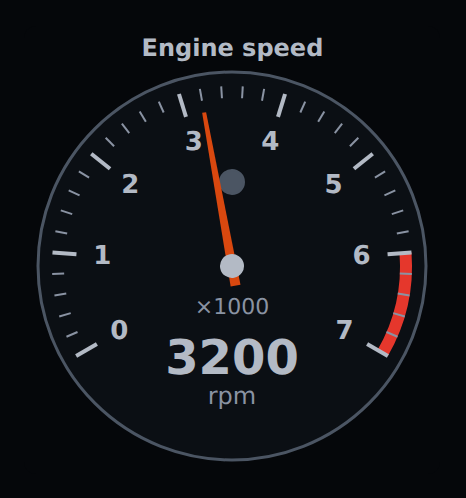
Engine speed in thousands of rpm, red zone, shift light, and the ready state of a hybrid.
-
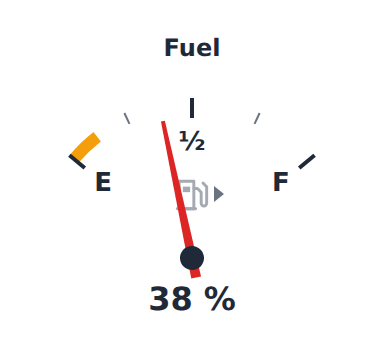
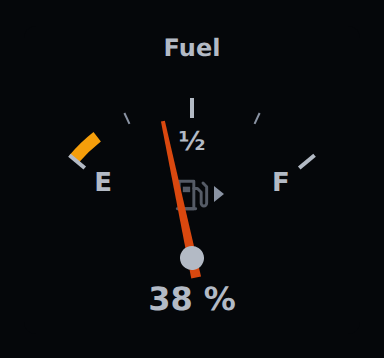
Fuel from E to F, the reserve zone, and the fuel pump symbol lit in it, towards the filler flap.
-
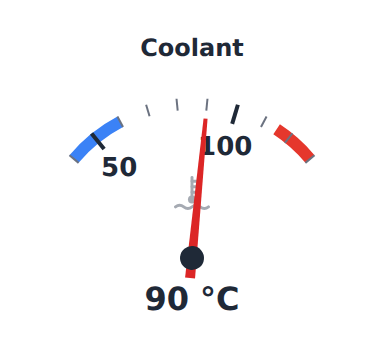
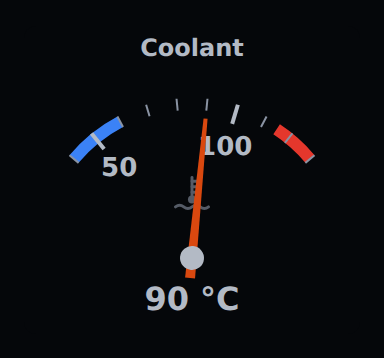
Coolant temperature, cold and hot zones, and its tell-tale lit red when hot.
Tell-tales
-
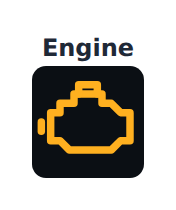
One tell-tale: the symbol of its function, lit in the colour of its meaning, never of the theme.
-


A row of tell-tales: the direction indicators side by side, then the lit ones by colour.
Digital displays
-
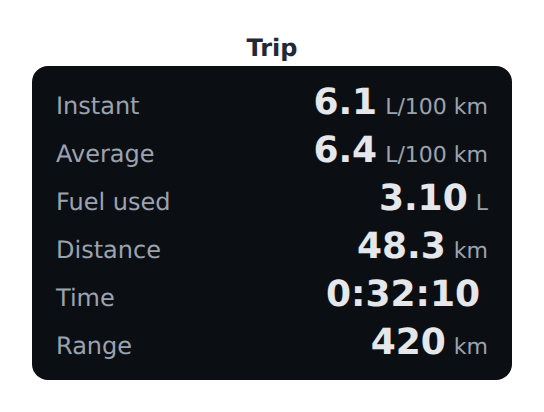
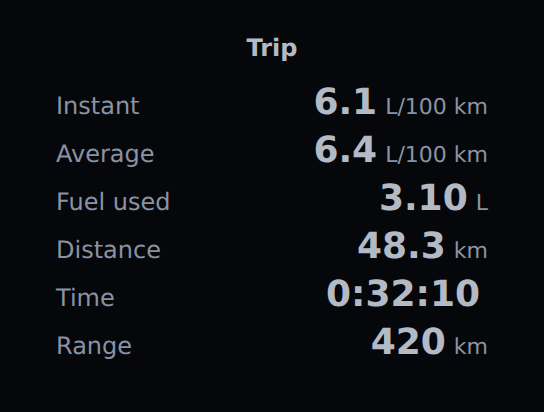
Instant and average consumption, fuel or energy used, distance, time, range — per hour below 5 km/h.
-
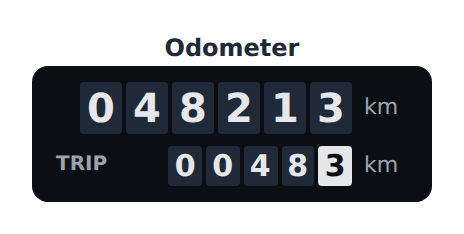
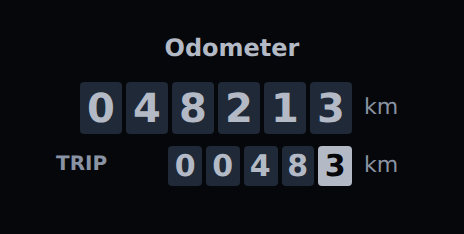
Total and trip distance on drums, never rounded up.
-
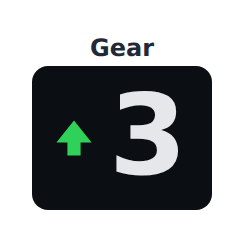

The engaged gear, and an up or down shift arrow.
Electric and hybrid
A vehicle driven by an electric motor, alone or with an engine, is read through the charge of its battery, the power it draws or regenerates, and an energy consumption (EV-001 .. EV-008). Power is positive when the drivetrain drives the wheels, negative when it regenerates.
-
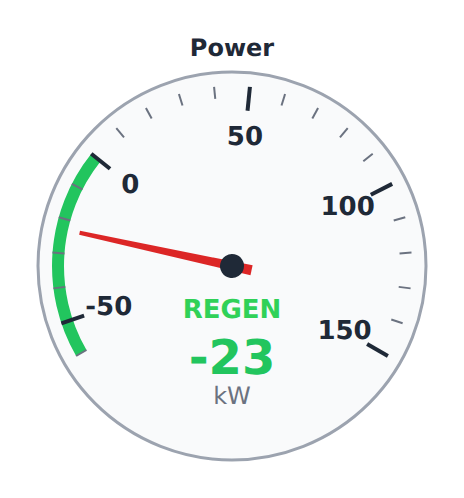
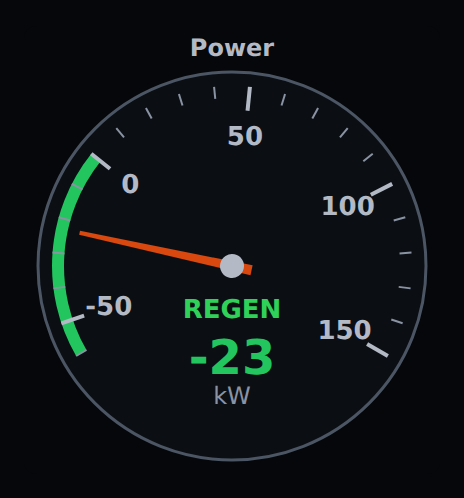
Power in kW, the regeneration zone below zero, REGEN and READY.
-
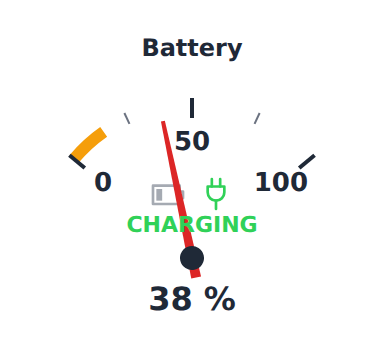
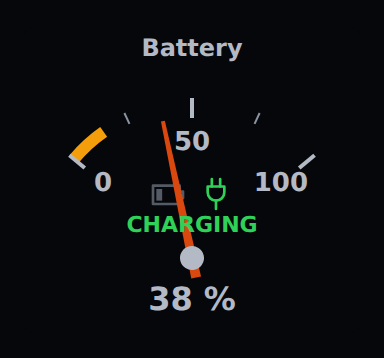
Battery charge, the low zone and its symbol, CHARGING.
-
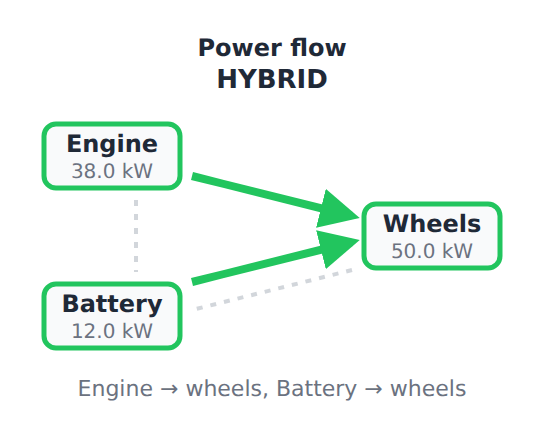
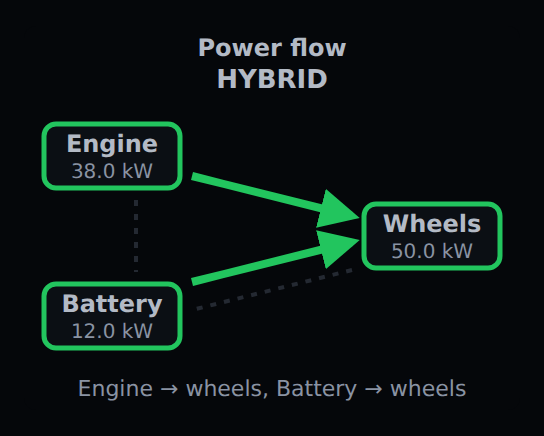
Engine, battery and wheels: where the power goes, by arrows and in words.
Layout
-
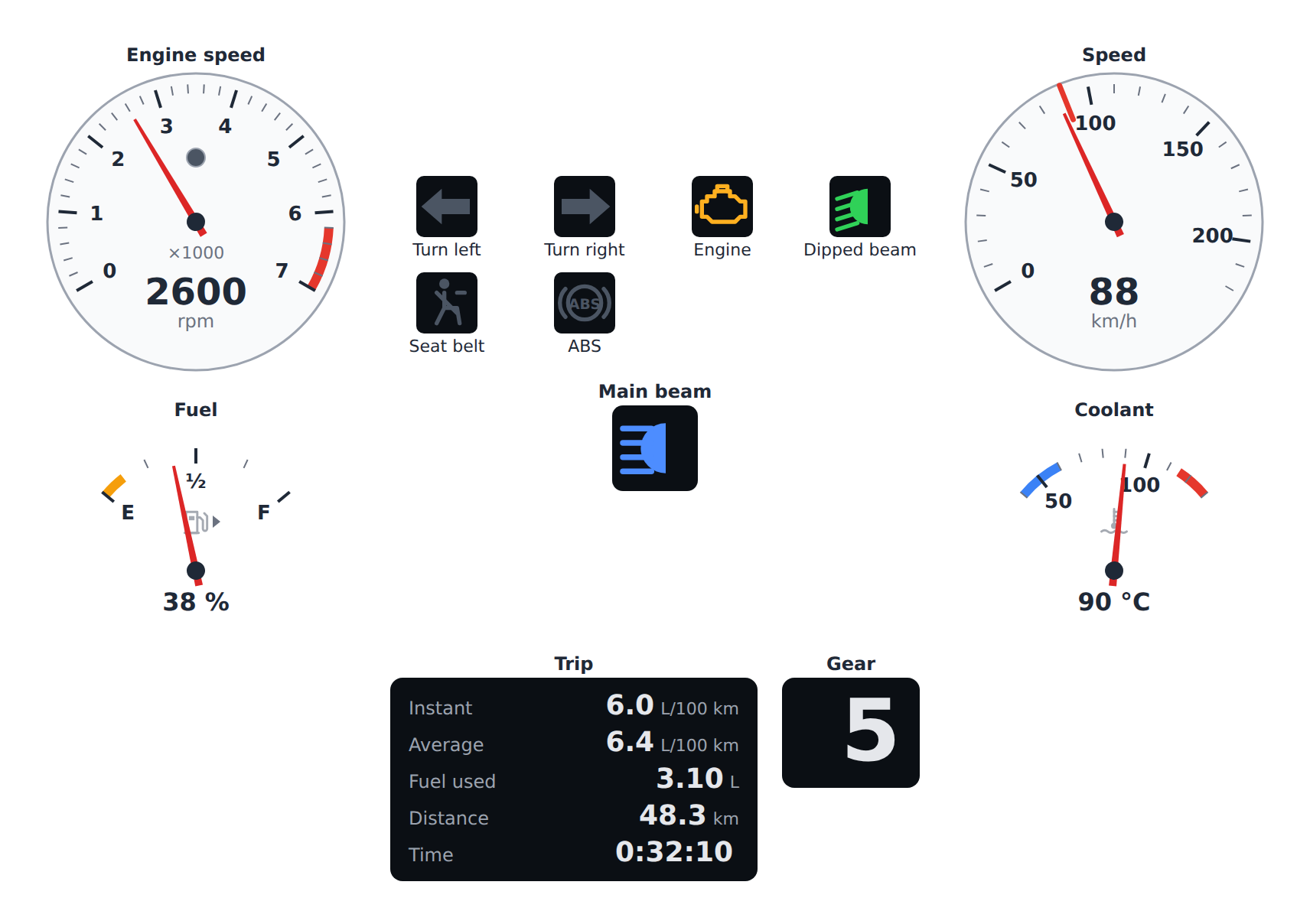
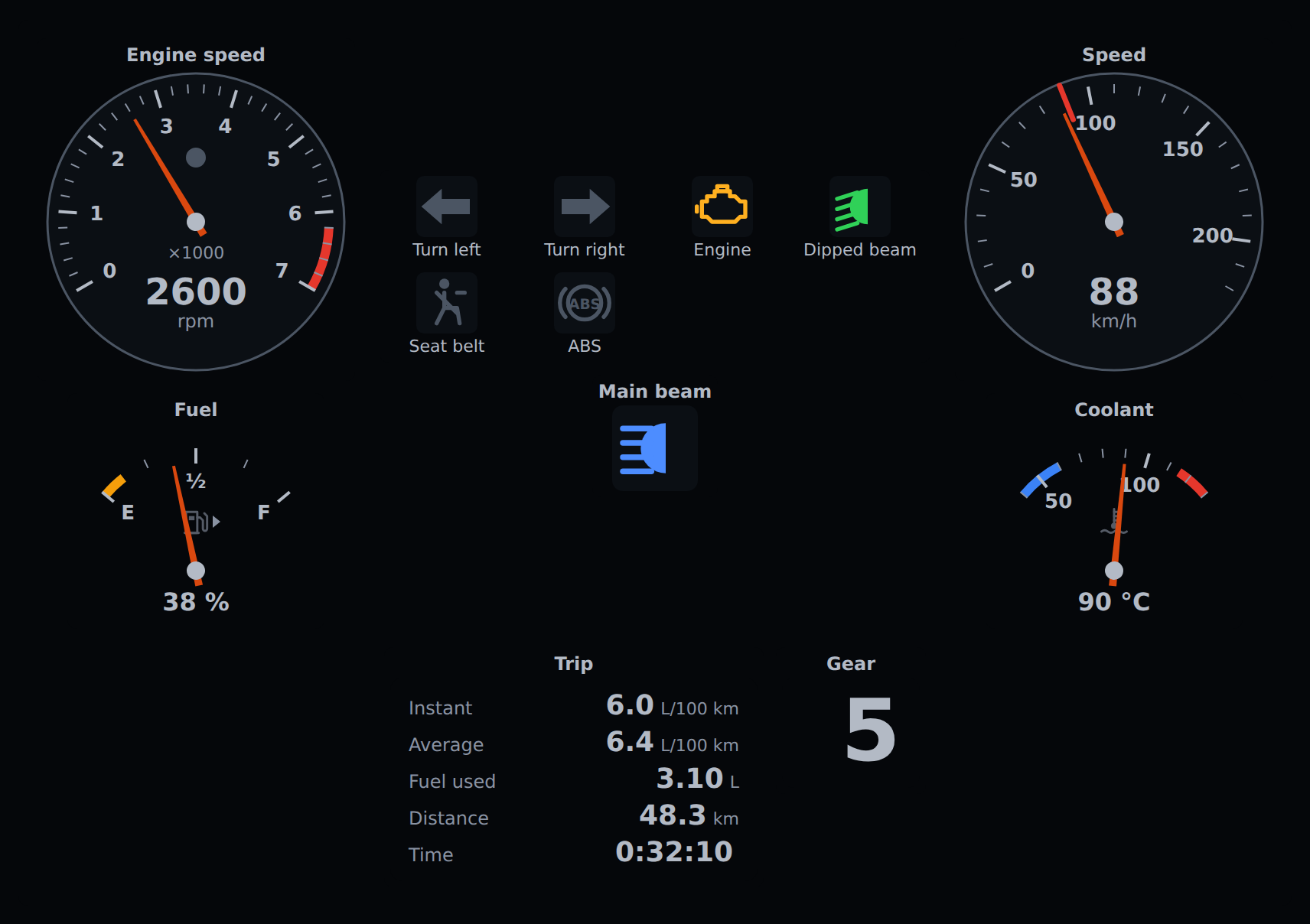
An instrument panel of any of them, with the head-up display mode.
Units
Every widget reads its value in metric units by default and shows it in the unit system
chosen for it — metric, imperial (UK) or us — or in a unit of its own:
aa.Speedometer(87.3, unit_system="us")                # 87.3 km/h in, 55 mph shown
aa.TemperatureGauge(90, unit_system="us", unit="°C")  # one quantity in a unit of its own
Fuel economy is the quantity to watch: L/100 km and mpg are reciprocal, so a scale converted from one to the other is turned round — its better end stays marked as better — and a figure that would be infinite, at a standstill, is not shown.
Day and night
theme takes the values of anywidget-instruments — "auto", "light", "dark",
"system" — and "day" and "night" (LEG-003): the day theme is the light one; the
night theme is dark, dimmer than the dark theme, with no large bright area (LEG-004).
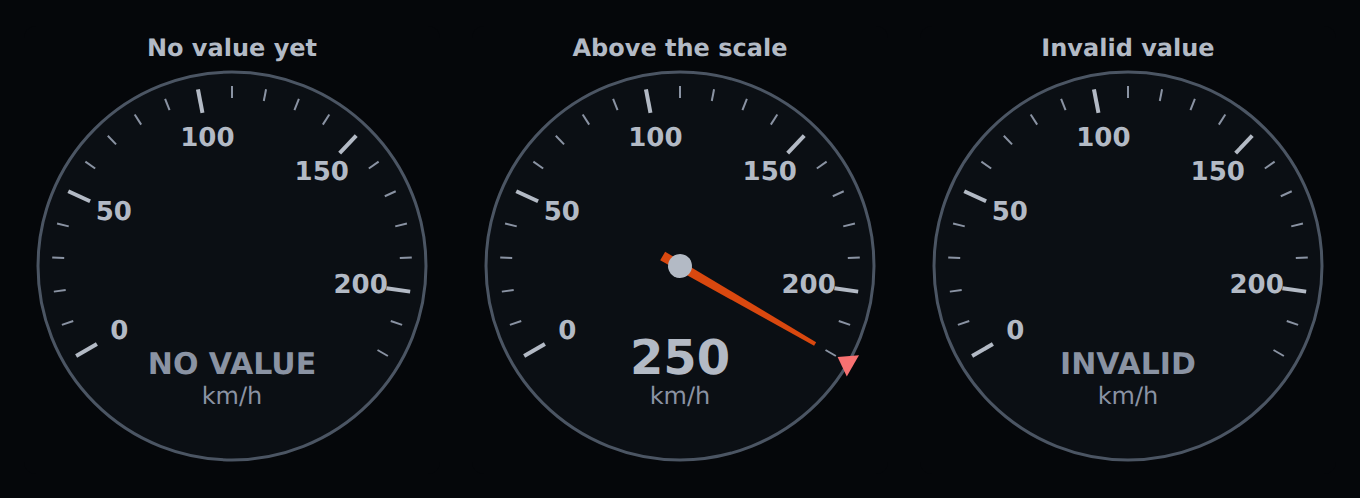
Tell-tale colours do not change with the theme. The pictures of this catalog show the
day theme, or the night theme with a dark reading preference.
aa.Speedometer(87.3, theme="night")
What every dial does
Every dial reads its value, its scale, its zones and its limits in input_unit (the
metric unit of its quantity by default) and draws them in the unit of its unit system,
or in its own unit. Common traits:
min,max— the scale, with major and minor ticks on round values (DIAL-001);zones— coloured arcs,{"from", "to", "kind"}withkindone of"danger","warning","cold","charge"(DIAL-005);resolution— the step of the readout, the value as text below the needle (DIAL-002);animate— the needle glides to a new value; never under the reduced-motion preference (DIS-003, A11Y-002);max_age— a value older than this is marked STALE (ROB-001).
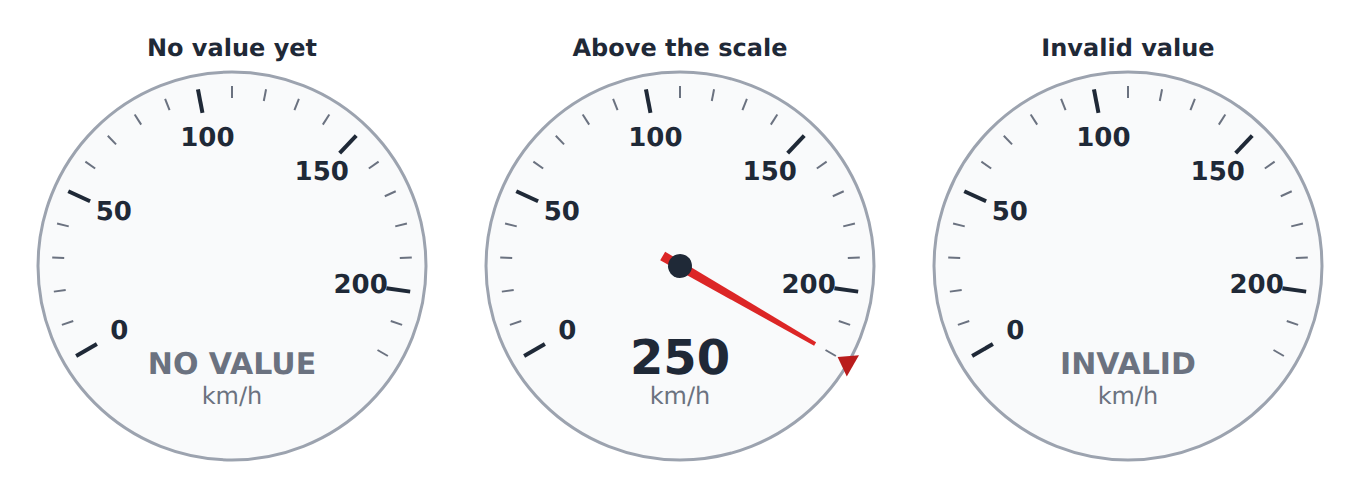
A value above or below the scale stops the needle at its end and lights a marker there (DIAL-003); NaN or an infinity leaves the needle where it was and reads INVALID (DIAL-004); no value yet reads NO VALUE, with no needle (ROB-002). A value changing more than twice a second is held half a second at a time rather than flicker (DIS-002).