Cluster
Click the picture to drive it in a marimo notebook, in your browser.
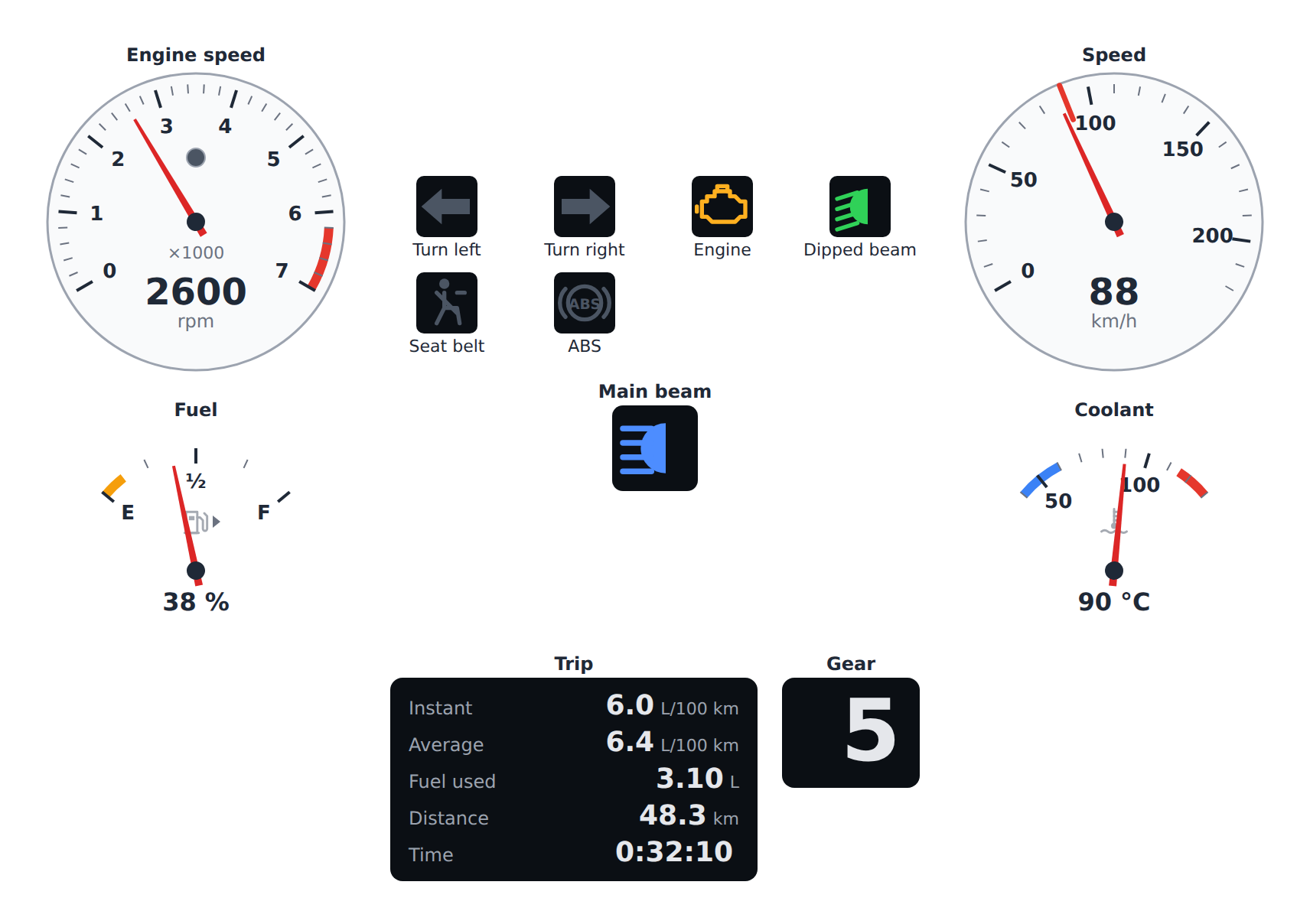
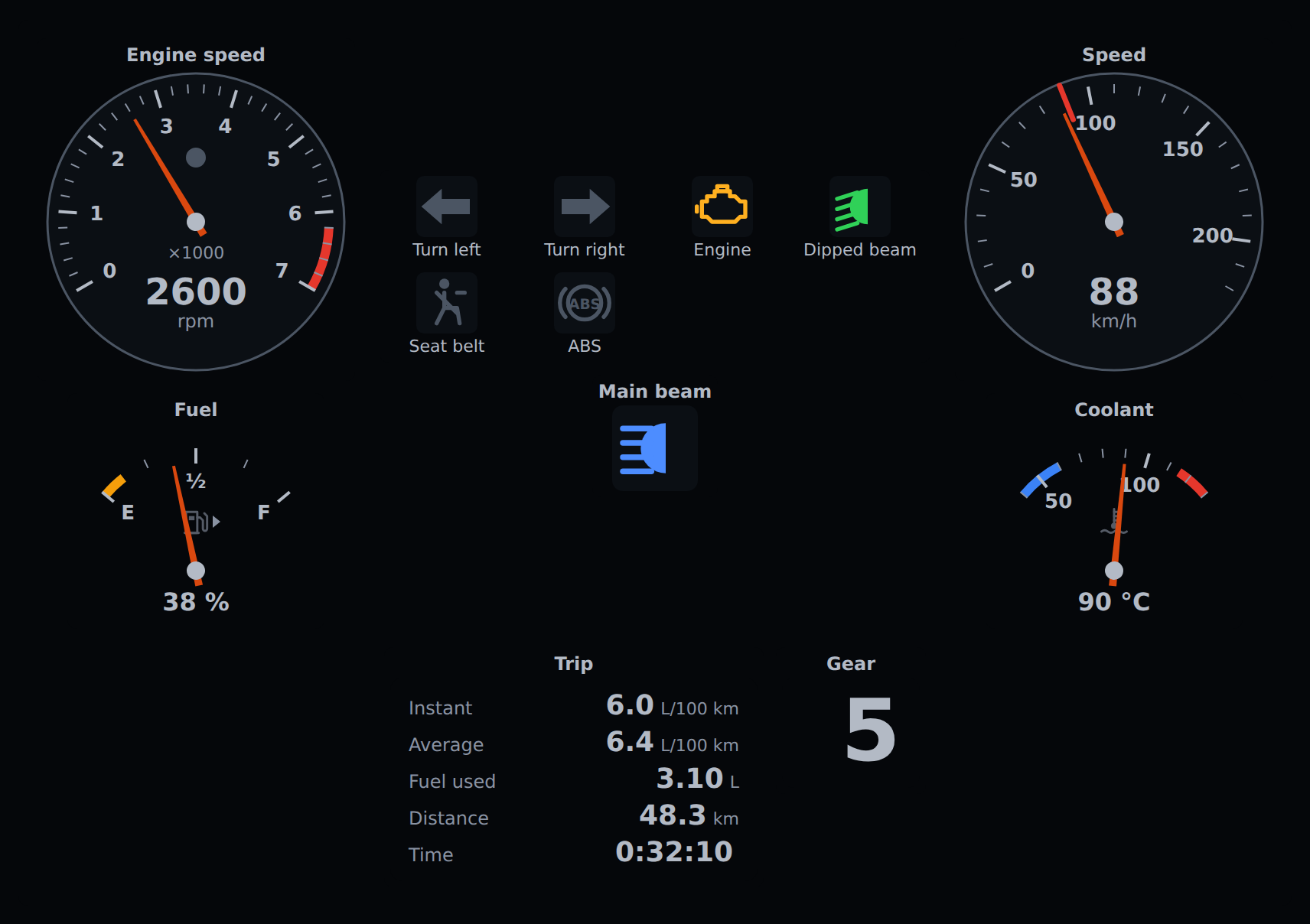
An instrument panel: dials on the sides, tell-tales between them and digital displays below (CLU-001).
rpm, speed = aa.Tachometer(2600, redline=6200), aa.Speedometer(87.3, limit=90)
lamps = aa.TellTaleCluster([("low_beam", "on"), ("engine", "off")])
fuel, coolant = aa.FuelGauge(38), aa.TemperatureGauge(90)
trip, gear = aa.TripComputer({"speed": 87, "fuel_rate": 5.2}), aa.GearIndicator(5)

cluster = aa.Cluster(
    [rpm, lamps, speed, fuel, coolant, trip, gear],
    unit_system="us", theme="dark", brightness=0.8,
)
speed.value = 104          # shows in the cluster
cluster.hud = True         # head-up display mode
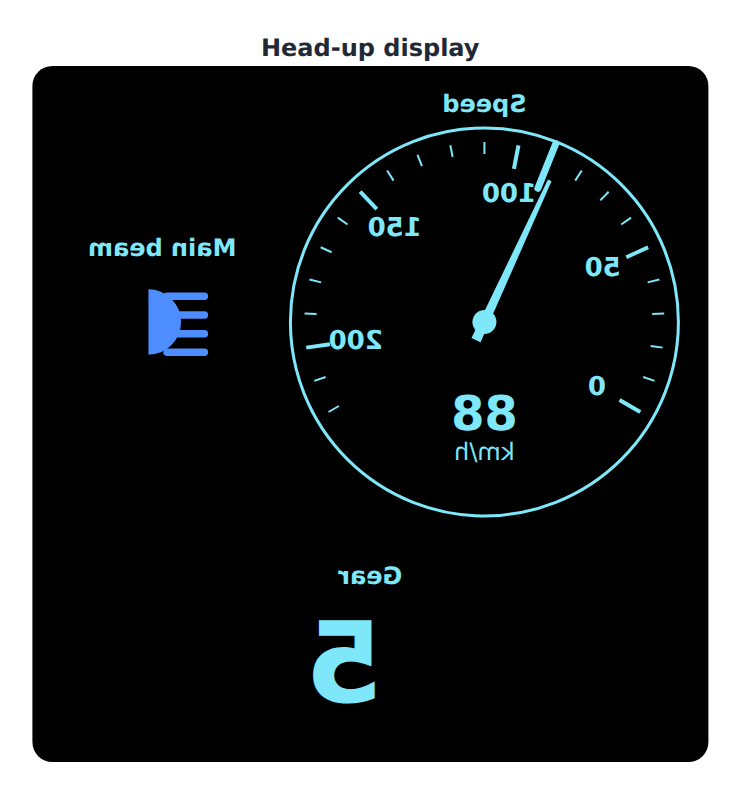
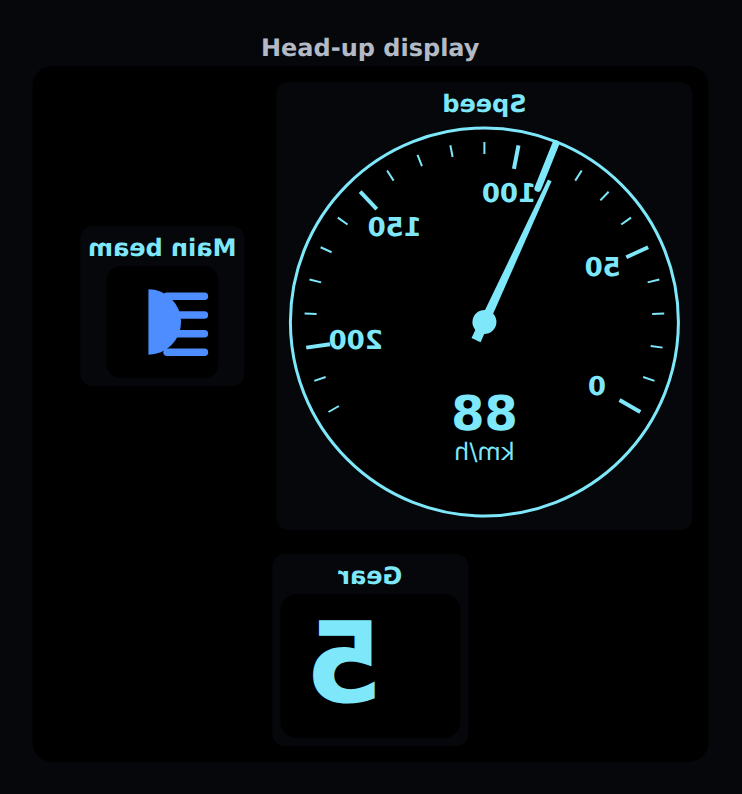
In head-up display mode, as drawn on the screen: mirrored, so that its reflection in the windscreen reads the right way round.
theme,brightnessandunit_systemapply to every widget it holds; a widget with aunitof its own keeps it (CLU-002, UNIT-004).- At most eight widgets, or
max_items; the others are named under the panel, not silently dropped (DIS-001). hudturns on the head-up display mode: mirrored, on black, one colour for the figures, tell-tale colours kept, no animation, and only the speedometer and the widgets markedhud=True(HUD-001 .. HUD-006).- It is one widget: its
valueis the list of the trait dictionaries of the widgets it holds, each with its_kind, which its front end draws. A host in any language sets that list; the Python binding builds it from its widgets and keeps it up to date when one of them changes. It shows as one output in JupyterLab, Notebook 7, marimo or VS Code, with no support for nested widgets needed (CLU-003).
Layout · Widget catalog · Specification · Safety notice